
Voice dictation is quietly replacing the keyboard. Big tech is pouring big money into this trend, too. Shibani breaks down why and how to use it in daily life.
We’ve all used voice-to-text dictation at some point, whether to voice a text or email message. Yet, the experience is clunky, full of errors and often requires editing. But new AI turns that your spoken words into clean, formatted text, is one of the fastest-growing trends in tech. Imagine speaking and having your context understood, “likes” erased and the output being as good as you would type. Hands-free is here AND good.
Why this is having a moment
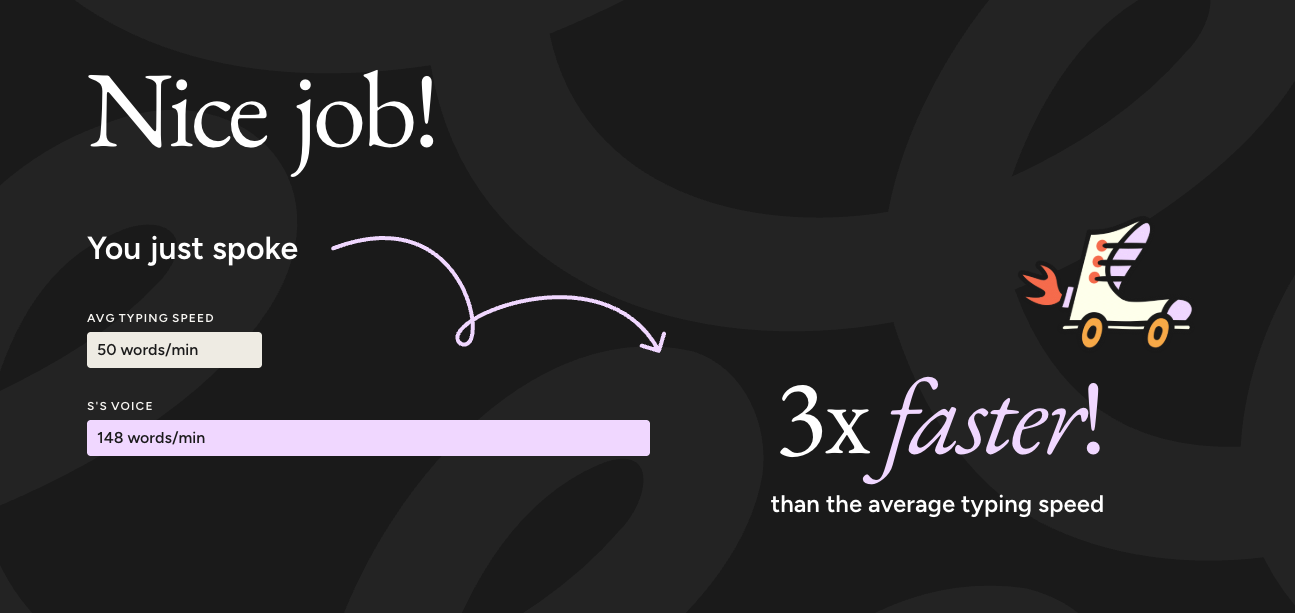
First, the AI behind the tech has gotten dramatically better. Apps can catch nuances, tone and structure now. Second, we do way too much typing. Many of us spend hours a day writing texts and emails. Speaking is almost 3x faster than typing, according to a Stanford study. Third, most apps and software include a voice function that allows you to dictate, making it a seamless way to get work done.
These tools also allow you to customize content in any language, across apps and devices (think: not having to open up Siri, ChatGPT voice mode or WhatsApp voice memo but instead using one interface for all in whatever language you speak and in your style).
Voice dictation helps you:
- Capture ideas mid-walk or between meetings
- Reduce time spent re-reading or over-editing
- Focus on substance instead of formatting. Using voice typing directly into a text box allows you to stay focused on your ideas without switching between input methods
It also expands accessibility. For people managing conditions like arthritis or vision challenges, dictation isn’t a convenience, it’s how they use a computer. It removes a real barrier to participating in digital life.
Big Tech’s voice bet
Coders are using it to vibe code and generate prompts. But this isn’t just a coder trend. It’s a strategic bet by the tech industry to try to embed AI as seamlessly as possible, including with a brain chip (Neuralink).
The reasoning is simple: whoever builds the best “voice layer” may end up owning how we interact with computers next, the way touchscreens replaced keyboards on phones.
OpenAI and Apple designer Jony Ive are teaming up on a voice-first AI hardware device. Google has rolled out voice models sophisticated enough to detect emotion in speech. Meta has been acquiring voice AI startups to power its smart glasses. And Amazon, Apple, and Google are updating Alexa, Siri, and Assistant for a natural, conversational voice AI.
3 popular apps to try
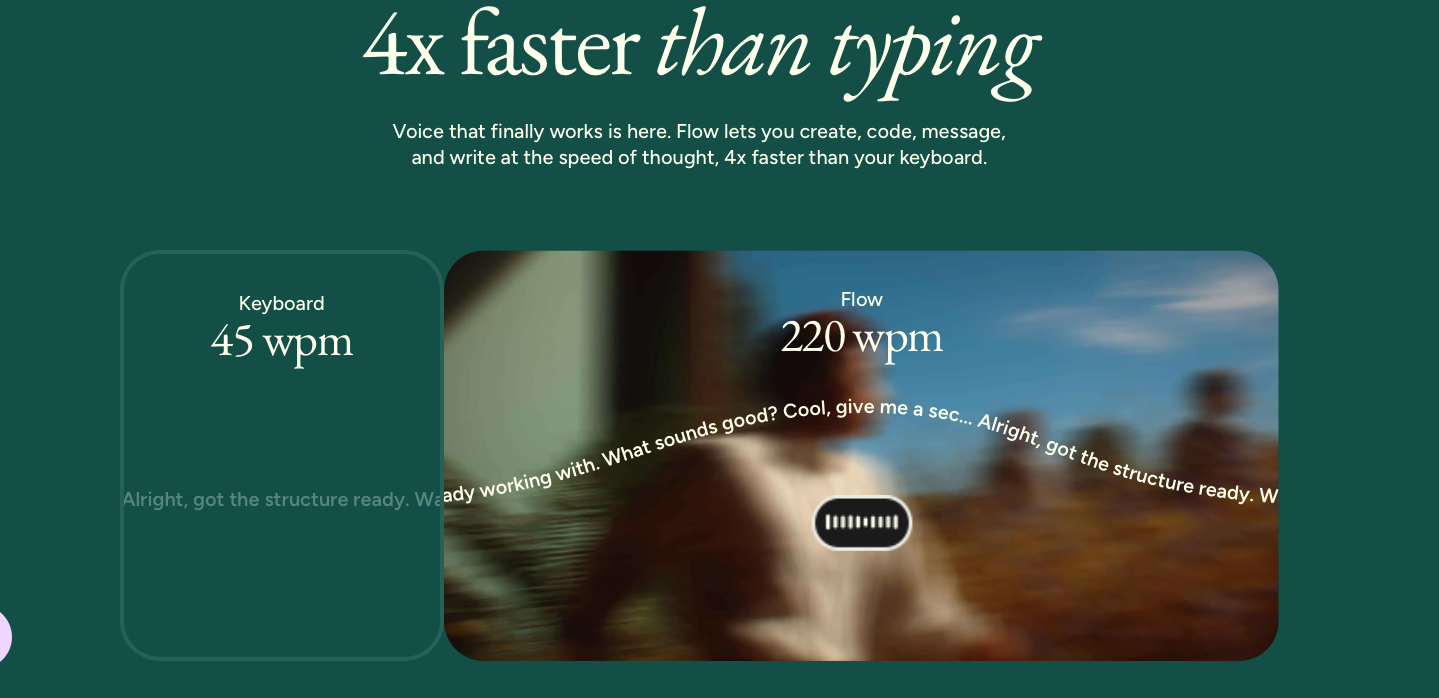
Wispr Flow is the app that I tested. It works inside your email, ChatGPT or any app you have and uses AI to strip out filler words and auto-format what you say into paragraphs, lists, or clean sentences. It’s become a favorite in local Silicon Valley circles and with Fortune 500 teams. It also recently reached a $2 billion valuation on the strength of its growth.
Check out: Wisprflow.ai
Otter.ai has been around awhile but takes a different angle — it’s built for capturing entire conversations, not just what you dictate. This or Granola are the ones I’d reach for during meetings or interviews, since it transcribes multiple speakers in real time and generates summaries and action items afterward. It’s less about replacing your keyboard and more about never missing what was said.
Check out: Otter.ai
Apple Dictation and Google’s Voice Typing are already on your devices, free and good enough for quick texts, notes, and search queries. They’re not as polished as the AI-native apps above, but they’re a way to try voice input before committing to a paid tool.
Check out: Settings on your iPhone, Mac, or Android device — it’s likely already there.
The bigger picture
What I like about this application of AI is that it is simple, easy and intuitive. Most AI tools ask us to learn a new way of interacting with technology. This one asks us to do the most human thing there is — just talk — and lets the AI do the work.
Have you tried voice dictation yet, or are you still a keyboard loyalist?
Tags: ai, voice, productivity, apps, wispr